

Your best clients used to find you the same way for a decade. They read a post, listened to an interview, got a referral, then searched your name and booked a call. That path is quietly closing. A growing share of high-ticket buyers now open ChatGPT, Perplexity, or Google's AI Overview, describe their problem, and ask the machine to name the right coach or consultant for it. If the model does not say your name, you are never considered, and nothing in your analytics will ever tell you it happened.
AI visibility for coaches is whether AI answer engines name and recommend you when a prospective client asks for the best coach or program for their problem. Buyers increasingly ask AI for a shortlist instead of searching, so if the model does not know you, you lose the deal invisibly, with no lost click to trace.
This is the coaching version of the traffic collapse: the demand is still there, but a layer of AI now sits between the buyer and you, deciding who gets named. For a personal brand built on authority and trust, being absent from that answer is not neutral. It hands your mindshare to whichever expert the model already knows.
Are clients really asking AI to recommend a coach?
They are already asking AI to recommend vendors, and the behavior is migrating straight into expert services. G2's 2026 "Answer Economy" study of 1,076 B2B buyers found that 51% now start their research with an AI chatbot more often than with Google, up from just 29% eleven months earlier, and 71% rely on AI chatbots somewhere in their process. This is a shift from reference, clicking through many links, to inference, asking the AI to synthesize a shortlist for you.
Sources: G2, 2026; SparkToro, 2024.
The G2 sample is software buyers, but the buyers are the same executives and founders who hire your coaching, leadership, and advisory programs. Their research habits do not reset by category. McKinsey's 2024 survey found professional services had the largest increase in AI adoption of any industry, and Pew reports 34% of US adults have now used ChatGPT, rising to 58% of those under 30. The cohort that asks AI "find me the best executive coach for scaling a services firm" is growing every quarter, not shrinking.

Why is this leak invisible in your analytics?
Because there is no click to count. When a prospect asks AI for a shortlist and you are not on it, no traffic arrives, no form is abandoned, no event fires. The consideration happened entirely inside the model. You feel it only as a slow, unexplained softening of inbound, never as a number you can point to.
The structural backdrop makes it worse. SparkToro found that 58.5% of US searches now end with zero clicks, and of the clicks that remain, nearly a third stay inside Google-owned properties. The old engine of a personal brand, a few evergreen articles and interviews pulling a steady stream of the right people, is running on a shrinking share of attention. Ahrefs measured a 44% relative drop in click-through rate on queries where an AI Overview appears, and those informational, "how do I choose a coach" style queries are exactly the ones your content targets.
The diagnosis
Your demand has not disappeared. It is being intercepted and resolved at the AI layer before it ever becomes a measurable visit. The question is no longer "do I rank?" It is "does the model name me when my ideal client asks?"
Want to see whether ChatGPT, Perplexity, and Google's AI name you for the prompts your clients actually use?
Run a free AI Visibility CheckHow does AI decide which coaches to name?
 Answer engines do not pick from your website alone. They pull from the sources they have learned to trust across the open web, then synthesize. Three findings tell you where to aim.
First, ranking number one does not guarantee inclusion. Ahrefs analyzed 863,000 AI Overview SERPs and found only 37.9% of cited URLs also appear in the top ten organic results. The model decomposes a query into many related sub-questions, a "fan-out," and cites whoever shows up consistently across that whole journey. Covering one keyword is not enough; you have to own the constellation of questions around your niche.
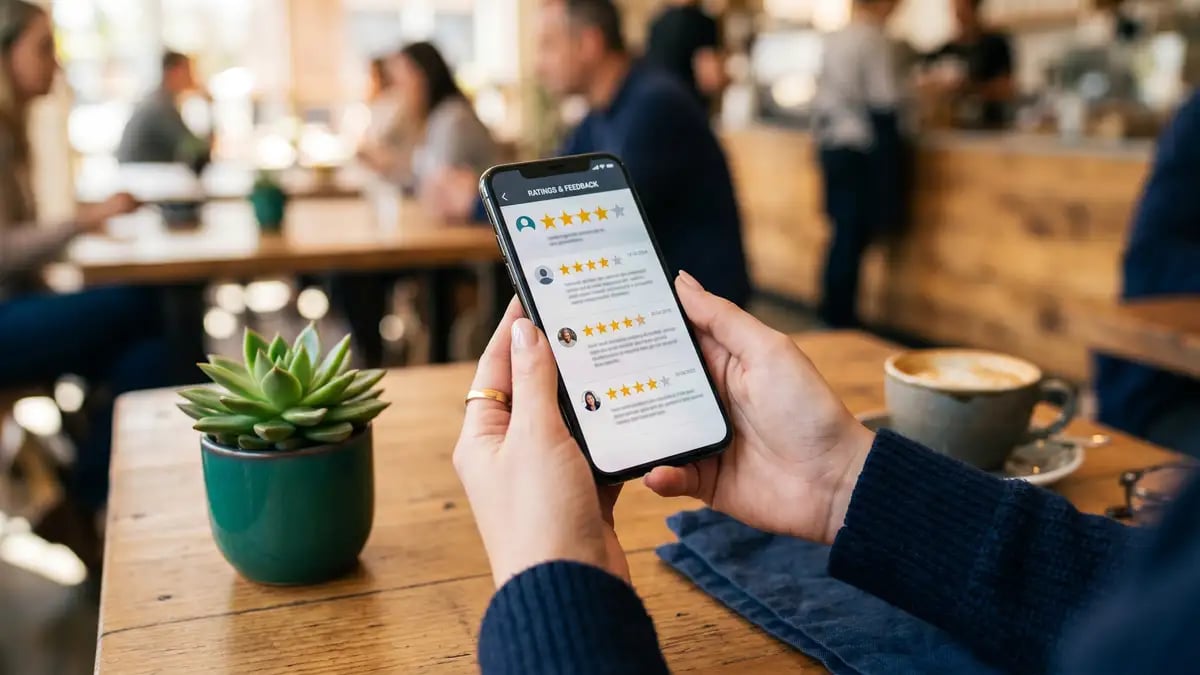
Second, third-party proof carries disproportionate weight. In G2's data, 45% of buyers said citations from review sites were the single most confidence-inspiring signal inside an AI answer, and review sites were the only external source whose influence grew deeper into the buying journey. The model treats consistent, independent corroboration of your name as a trust signal.
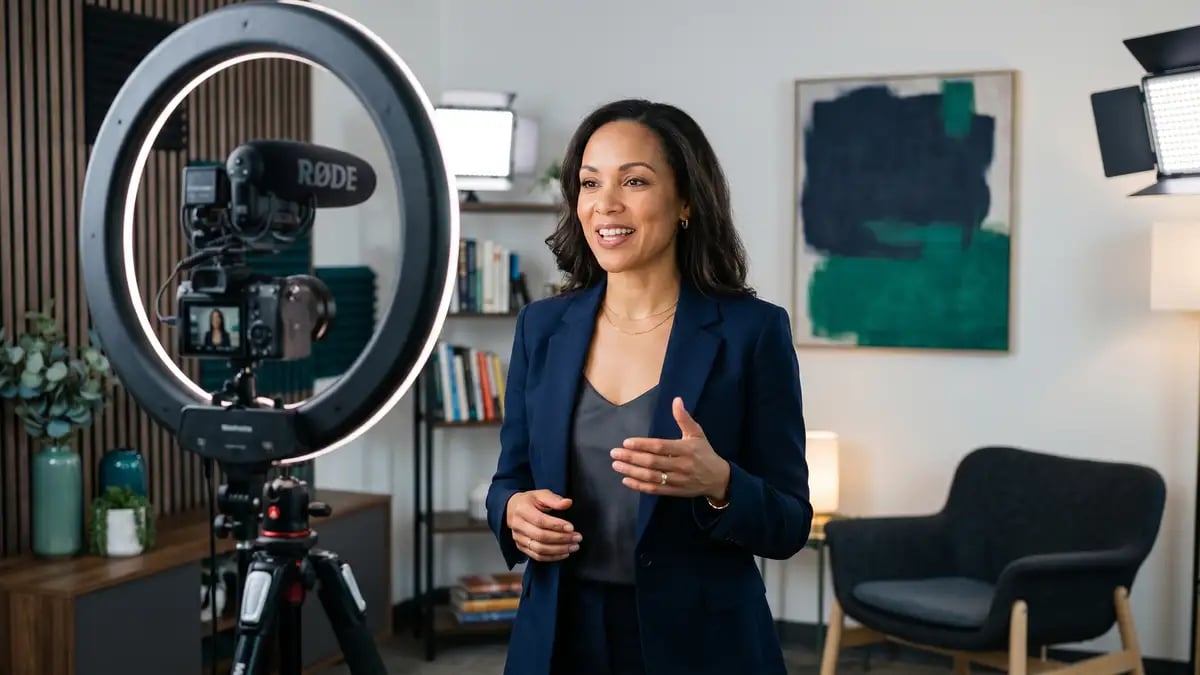
Third, video is now a primary citation surface. Ahrefs found YouTube is the single most-cited domain in AI Overviews, and that brand mentions on YouTube, in titles, transcripts, and descriptions, were the strongest correlate of AI visibility across 75,000 brands. For an expert whose thinking already lives in talks and interviews, that is a direct lever.

This is what practitioners now call Share of Model: how often you are named inside the AI relative to your competitors. It is the new share of voice, and unlike SEO rankings, most coaches have never once measured it. For the full mechanics, see how LLMs decide what to cite.
Why does invisibility cost a high-ticket coach more?
Because your economics are built on a small number of high-value relationships. Mighty Networks reports high-ticket coaching usually starts around $999, with most programs priced between $2,000 and $10,000, and premium transformations far higher. A single ideal client who never reaches you because the model named someone else is not a lost click worth pennies. It is $10,000 to $100,000 or more in foregone revenue, in a business where your own capacity already caps how many clients you can serve.

The market is expanding while this shift happens. Mordor Intelligence values the global life coaching market at $3.97 billion in 2026, growing to $6.12 billion by 2031, with corporate buyers the fastest-growing segment. More demand is flowing in, but more of it is being routed through AI. At the same time, Level Agency notes roughly half of all business content is now AI-generated, so out-producing the feed with more posts no longer works. Authority, not volume, is what the model rewards, and authority is exactly what a Technician's-Trap founder rarely has time to systematically build.
The founder bottleneck makes this worse
If you are the only one who can write the content, record the videos, and earn the citations, AI visibility competes for the same scarce hours as delivery. The experts winning the model are the ones who have systematized this work so it runs without them in the room.
How does a coach build AI visibility?
 The work is concrete, and it maps to a system rather than a burst of effort. Treat it the way you would a Freedom Machine: install it once, let it compound.
Measure your Share of Model
Run the exact prompts your ideal clients use, "best coach for X," "top mastermind for Y," and record whether AI names you, names a competitor, or names no one. You cannot fix what you have never measured.
Narrow your niche to a nameable category
"Executive coach" is too broad for the model to attach you to. "Pricing strategy advisor for SaaS founders" is a category it can confidently recommend. Specificity is what gets you named.
Publish answer-first content across the query fan-out
Cover the full journey, from "do I have this problem" to "how do I choose a provider," in clear, citable language, with your positioning explicit. Write for the question, not the keyword.
Earn third-party citations and reviews
Get named on review platforms, podcasts, guest articles, and "best of" lists. These are the trust sources AI leans on most, and the ones a personal site can never replace.
Put your expertise on video
Turn your talks, frameworks, and Q&A into YouTube content with your name and niche stated plainly. It is the single strongest correlate of AI visibility, and you likely already have the raw material.
None of this is a one-off campaign. It is an operating system that earns mentions, refreshes content, and tracks your Share of Model while you coach. That is the difference between chasing visibility by hand and installing a machine that does it autonomously, the same logic behind automating a founder-dependent coaching business.
What should you do this quarter?
Start by finding out where you actually stand. Most coaches assume the model knows them and discover it does not. Measure your Share of Model on ten real client prompts, identify which competitors are being named instead, and you will know exactly how wide the leak is before you spend a single hour fixing it. The buyers researching you in AI today will not tell you they looked. The only way to know is to look for yourself.
Find out if AI recommends you to your ideal clients
The AI Visibility Check shows you, prompt by prompt, whether ChatGPT, Perplexity, and Google's AI name you, name a competitor, or name no one, for the questions your high-ticket clients actually ask. It is free, and it turns an invisible leak into a number you can act on.
Run your free AI Visibility CheckFrequently asked questions
Do coaching clients actually use AI to find a coach?
Increasingly, yes. G2 found 51% of buyers now start research with an AI chatbot more often than Google, and 33% bought from a provider they had never heard of on the AI's recommendation. The executives and founders who hire high-ticket coaches are the same AI-first buyers, and Pew reports 58% of under-30s have used ChatGPT, so the behavior is only deepening.
What is AI visibility for coaches?
It is whether AI answer engines name and recommend you when someone asks for the best coach or program for their problem. Because buyers ask AI for a shortlist instead of clicking through search results, being named in that answer now determines whether you are considered at all.
Why can't I see this problem in Google Analytics?
There is no click to record. The consideration happens inside the AI, so a missed recommendation produces no traffic, no event, and no trace. You only feel it as unexplained softening of inbound, which is why measuring your Share of Model directly is the only reliable diagnostic.
How do AI engines decide which coaches to recommend?
They synthesize from trusted third-party sources, not just your website. Ahrefs found only 37.9% of AI Overview citations come from the top ten organic results, that YouTube is the most-cited domain, and G2 found review-site citations are the most confidence-inspiring signal inside AI answers. Consistent, independent mentions of your name and niche are what get you cited.
Is publishing more content the answer?
No. Roughly half of business content is now AI-generated, so volume no longer earns attention. AI rewards authority and clear, citable expertise covering the full set of questions around your niche, plus third-party corroboration, not a higher post count.
How do I start improving my AI visibility?
Measure first. Run the real prompts your ideal clients use, see whether AI names you or a competitor, then build presence on the sources AI trusts: a sharply defined niche, answer-first content, third-party citations and reviews, and video. Start with a free AI Visibility Check to benchmark where you stand.